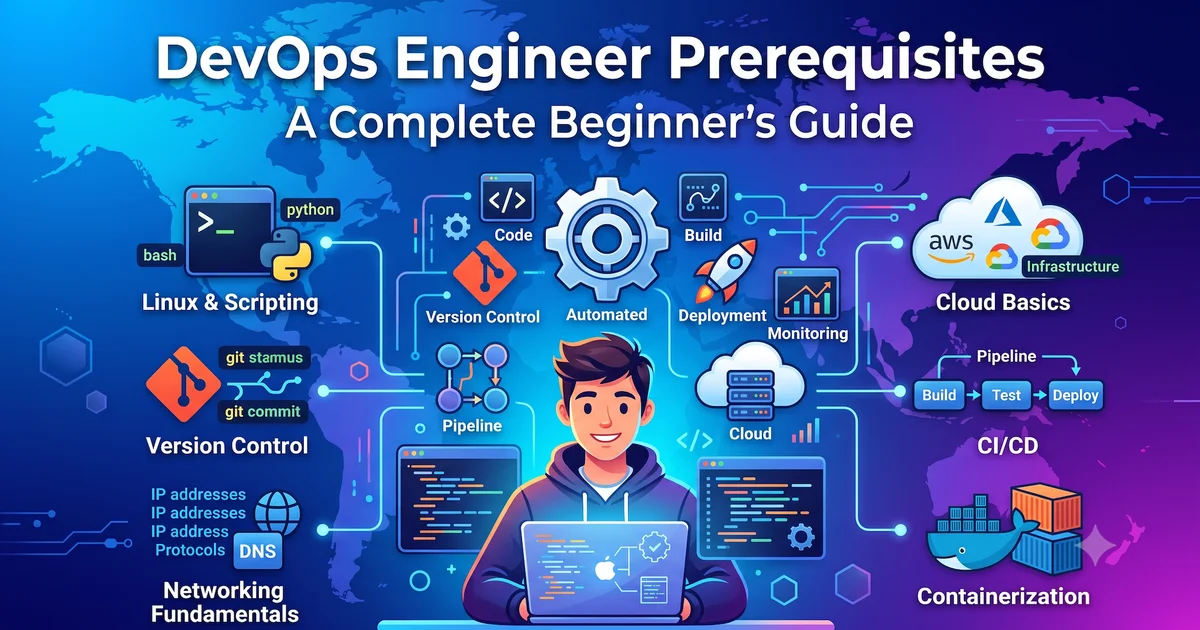
If you're planning to build a career in DevOps, you've probably come across a long list of tools like Docker, Kubernetes, Terraform, Jenkins, GitHub Actions, and cloud platforms. It can feel overwhelming at first.
The good news is that you don't need to learn everything at once.
DevOps is built on a few core concepts. Once you understand those, learning advanced tools becomes much easier. In this guide, I'll walk you through the essential prerequisites you should know before starting your DevOps journey.
1. Learn Linux Fundamentals
Linux is the foundation of modern DevOps. Most cloud servers, containers, and Kubernetes clusters run on Linux.
Topics to Learn
- File and directory management
- Users and groups
- File permissions
- Package management
- System services
- Process management
- SSH
- Basic shell scripting
Common Linux Commands
ls
cd
pwd
cp
mv
rm
mkdir
find
grep
chmod
chown
ps
top
systemctl
journalctl
ssh
scp
curl
wget
Tip: You don't need to memorize every command. Focus on understanding what each command does and when to use it.
2. Understand Networking Basics
Every application communicates over a network. Without networking knowledge, troubleshooting production issues becomes difficult.
Topics to Learn
- IP Address
- Public vs Private IP
- DNS
- HTTP and HTTPS
- TCP and UDP
- CIDR
- Subnetting
- Routing
- NAT
- Firewalls
- VPN
- Load Balancers
- SSL/TLS
Common Network Ports
| Service | Port |
|---|---|
| SSH | 22 |
| HTTP | 80 |
| HTTPS | 443 |
| DNS | 53 |
| MySQL | 3306 |
| PostgreSQL | 5432 |
3. Learn Git
Git is one of the most important tools in DevOps. Almost every project uses version control.
Learn How To
- Create repositories
- Clone projects
- Commit changes
- Push and pull code
- Create branches
- Merge branches
- Resolve merge conflicts
Common Git Commands
git clone
git status
git add
git commit
git push
git pull
git branch
git checkout
git merge
4. Learn Basic Scripting
Automation is at the heart of DevOps.
You don't need to become a software developer, but you should know how to automate repetitive tasks.
Recommended Languages
- Bash
- Python (Basics)
Topics to Learn
- Variables
- Loops
- Functions
- Conditions
- Reading files
- Calling REST APIs
- Error handling
5. Understand Cloud Computing
Most companies build and deploy applications in the cloud.
Choose one cloud platform to start with.
AWS Services
- IAM
- EC2
- S3
- VPC
- RDS
- CloudWatch
- Load Balancer
Azure Services
- Virtual Machines
- Virtual Network
- Storage Account
- Network Security Groups
- Azure Monitor
- Azure Key Vault
- Resource Groups
Once you're comfortable with one cloud platform, learning another becomes much easier because the core concepts remain similar.
6. Learn Basic Database Concepts
You don't need to become a database administrator, but understanding databases helps during deployments and troubleshooting.
Topics to Learn
- Tables
- Primary Keys
- Foreign Keys
- CRUD Operations
- Basic SQL Queries
- Backups
- Restores
Popular Databases
- PostgreSQL
- MySQL
7. Understand Containers
Containers have become the standard way to package applications.
Start with Docker and learn:
- Images
- Containers
- Dockerfile
- Volumes
- Networks
- Docker Compose
Common Docker Commands
docker build
docker run
docker ps
docker images
docker logs
docker exec
docker compose up
8. Learn Infrastructure as Code (IaC)
Instead of manually creating cloud resources, DevOps engineers automate infrastructure using code.
Terraform is one of the most widely used Infrastructure as Code tools.
Important Concepts
- Providers
- Resources
- Variables
- Outputs
- Modules
- State Files
- Remote Backends
9. Learn CI/CD
Continuous Integration and Continuous Deployment help automate software delivery.
Typical CI/CD Pipeline
- Build
- Test
- Package
- Deploy
- Rollback
Popular CI/CD Tools
- GitHub Actions
- Azure DevOps
- Jenkins
- GitLab CI/CD
10. Learn Kubernetes
After becoming comfortable with Docker, move on to Kubernetes.
Start With
- Pods
- Deployments
- Services
- ConfigMaps
- Secrets
- Namespaces
- Ingress
- Helm
Kubernetes becomes much easier once you're confident with Docker.
11. Learn Monitoring and Logging
Applications need continuous monitoring after deployment.
Popular Tools
- Prometheus
- Grafana
- ELK Stack
- Loki
- CloudWatch
- Azure Monitor
Understanding logs and metrics is an essential DevOps skill.
12. Learn Security Basics
Security is everyone's responsibility in DevOps.
Topics to Learn
- IAM
- Least Privilege Access
- Secrets Management
- Multi-Factor Authentication (MFA)
- SSL Certificates
- Role-Based Access Control (RBAC)
These concepts help build secure cloud environments.
Suggested Learning Order
Follow this sequence to build a solid foundation:
- Linux
- Networking
- Git
- Bash Scripting
- Python Basics
- Cloud Fundamentals (AWS or Azure)
- Docker
- CI/CD
- Terraform
- Kubernetes
- Monitoring & Logging
- Security
Learning in this order allows each topic to build naturally on the previous one.
Final Thoughts
DevOps isn't about mastering dozens of tools overnight. It's about understanding how software is built, deployed, monitored, and maintained throughout its lifecycle.
Start with the fundamentals, practice consistently, and build small projects along the way. As your confidence grows, advanced tools like Kubernetes and Terraform will become much easier to understand.
Every experienced DevOps engineer started with the basics. Focus on building a strong foundation, stay curious, and keep learning. The skills you develop today will make your journey into DevOps much smoother and more enjoyable.
💬 Share Your Feedback
I hope this guide helped you understand the fundamentals of DevOps. If you have any questions, suggestions, or feedback, feel free to leave a comment below. I'd love to hear your thoughts and continuously improve this content.
❤️ Support
If you found this article helpful, please consider:
- Sharing it with your friends or colleagues
- Leaving a comment below
- Following my blog for more DevOps, Cloud, and Automation tutorials
Your support motivates me to create more practical and beginner-friendly content. Thank you for reading!
// comments (0)
// no comments yet — be the first!
Want to join the discussion?
→ login create account